In this guide, I’ll walk you through installing and setting up the BATNA app on your Shopify store. Our team builds Shopify apps that solve real business problems and help merchants of all sizes thrive online.To create these instructions, I collaborated with our developers and support team to outline a simple step-by-step process for installation and setup.Let’s get started and add the “Bid Your Price” feature to your Shopify store.
Installing BATNA is quick and easy:
- Go to the BATNA app listing in the Shopify App Store
- Click Install
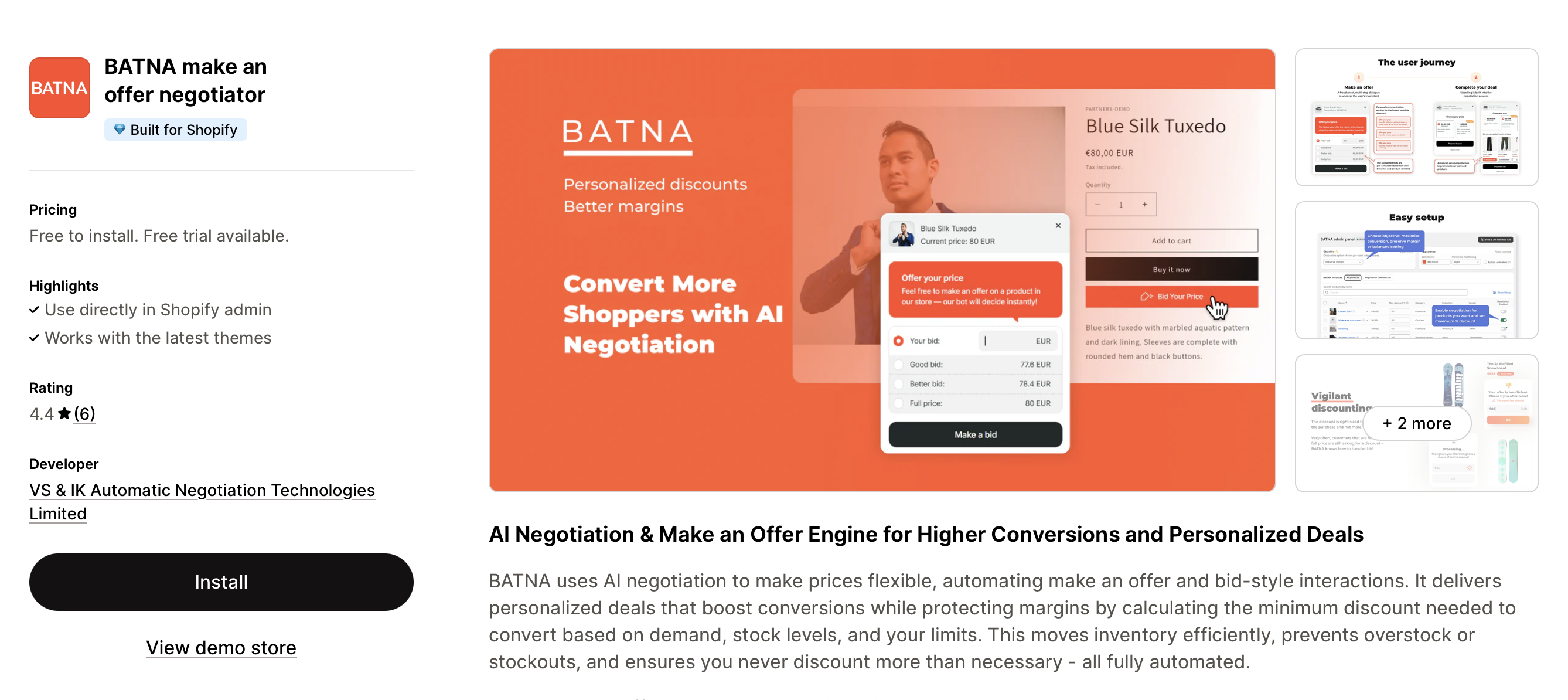
The app’s guided setup will help you activate BATNA functionality on your store in just a few minutes. Open the app in your Shopify admin and follow these steps:
Pay As You Go – No monthly fee; higher commission per sale when using the BATNA discount code.
Pro – Small monthly fee; lower commission per sale with the BATNA discount code.
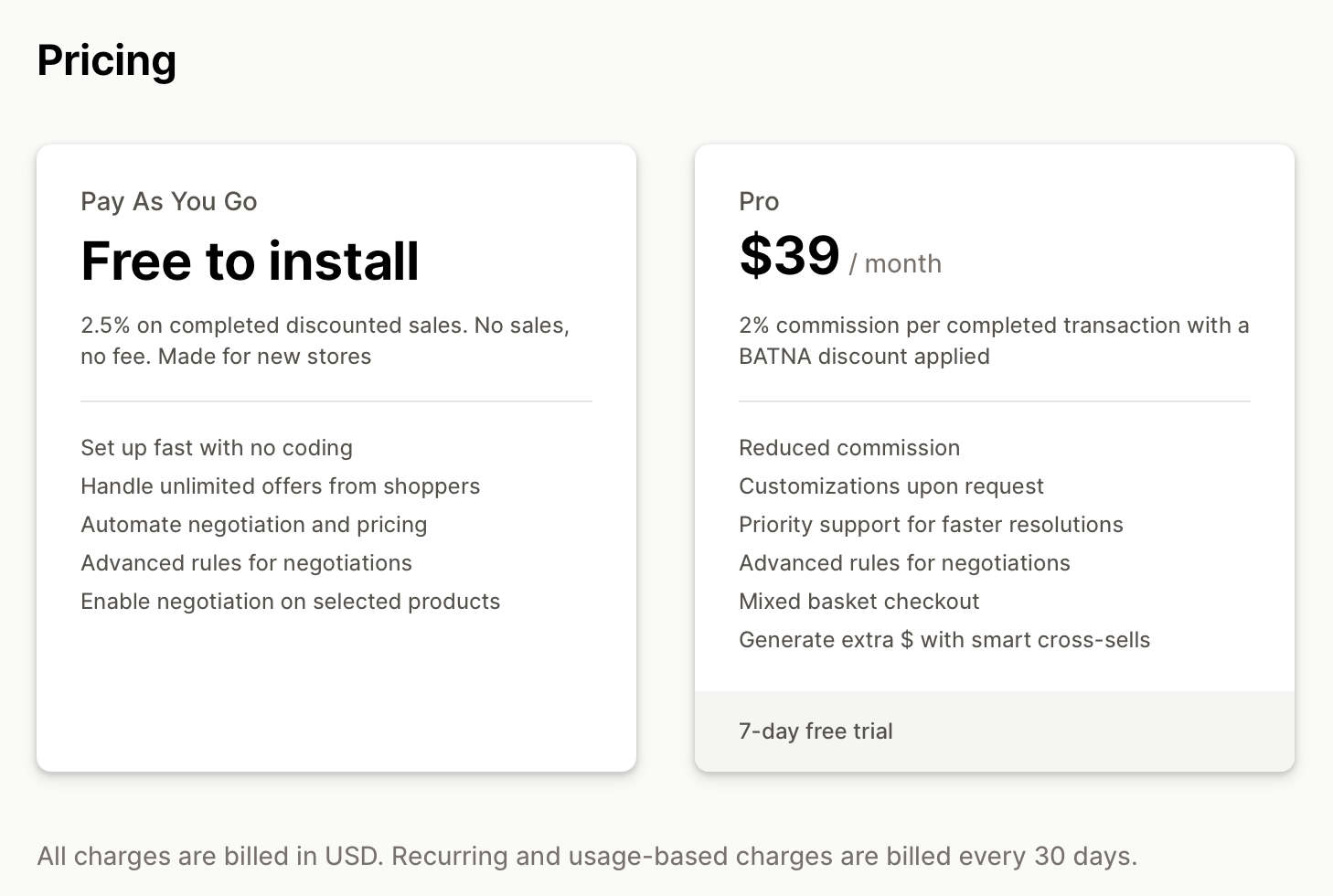
The app’s guided setup will help you activate BATNA functionality on your store in just a few minutes. Open the app in your Shopify admin and follow these steps:
- In Shopify admin, go to Online Store > Themes. Find the theme you want to edit and click Customize.
- Click the App embeds tab and toggle to activate Batna.
- Ensure the “Bid Your Price” button appears correctly on your product pages. Click Save in the top-right corner.

- Go to the BATNA admin panel and scroll to the product table.
- Select the products you want to enable negotiations for. Opening negotiations on a larger portion of your catalog can maximize the app’s impact.
- Set maximum discounts for each product. BATNA will only offer higher discounts when it determines it’s necessary for a particular customer.
- Optionally, customize the appearance and placement of the button and widget in the corresponding section.
Reach out to us at support@batna.pro for detailed setup instructions, troubleshooting tips, and answers to frequently asked questions about BATNA product fees.